3-Second Scanning
 Auto Color Correction
 Keep Your Originals Safe
 All-In-One Solution
 Works With Faded Film
 No Software Needed

No PC Needed
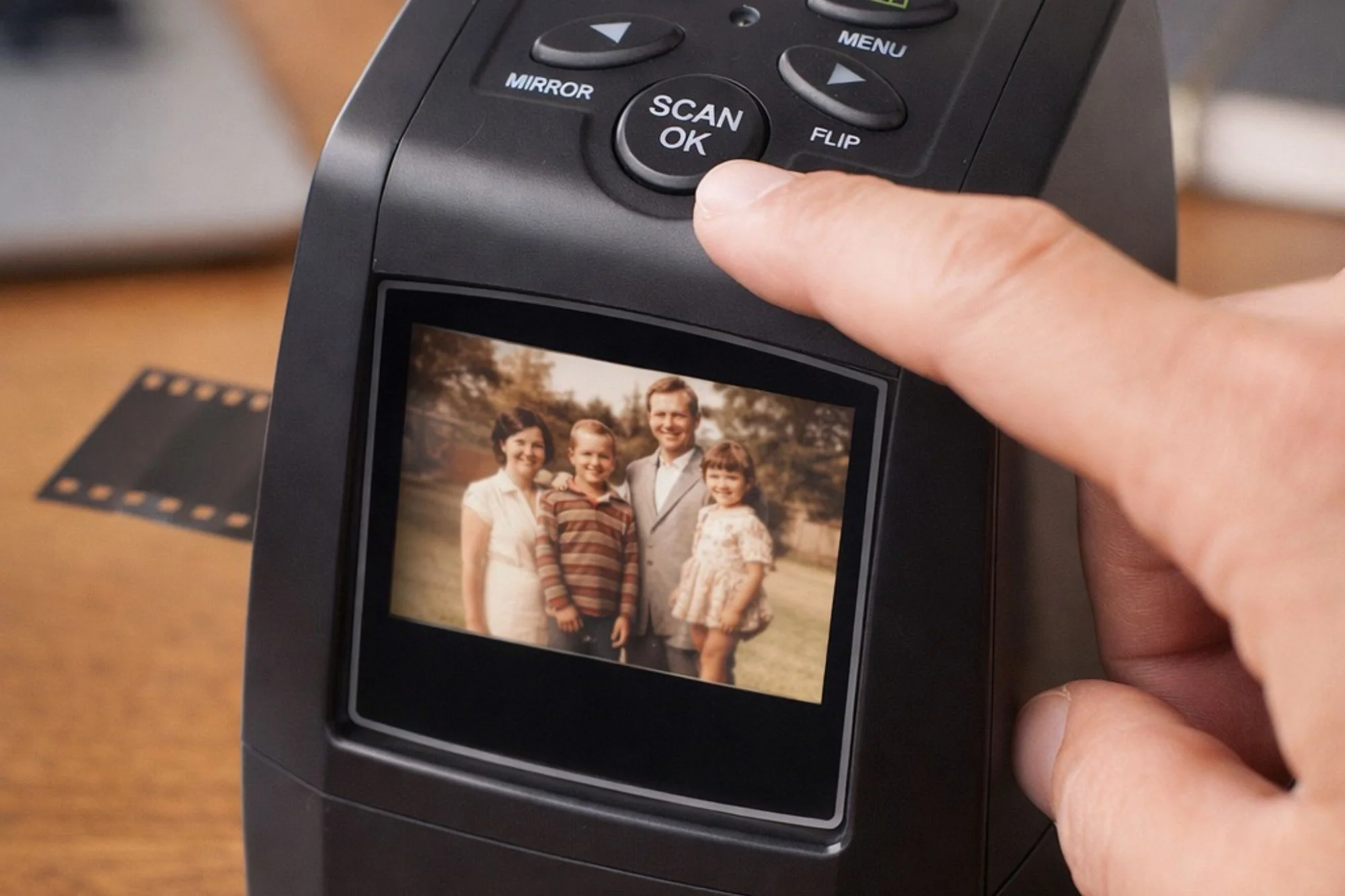
See your memories come to life instantly on the 2.4" preview screen—no computer, no software, no tech setup required.
What I discovered on that old film truly amazed me. For many years, I had been searching for those exact memories for my family album.
REQUESTSee your memories come to life instantly on the 2.4" preview screen—no computer, no software, no tech setup required.
Beat smartphone apps on quality, mail-in services on speed, and high-street photo centres on price. Plus, your priceless originals never have to leave the house.
Built-in backlight compensation brings decades-old, faded photos back to life. Even slides you thought were lost forever can now be saved.
Mail-in and in-store services charge per slide, turning large collections into bills that cost several times more than the device. Plus you either risk mailing originals to strangers or waste time driving to photo centers.
Computer scanners require software, cables, and technical knowledge most people don't have—they're complicated enough that they end up unused.
Smartphone apps can produce pixelated, distorted images that aren't worth saving.
The MemoryVault™ Box works completely on its own with a built-in screen that shows your results in seconds.

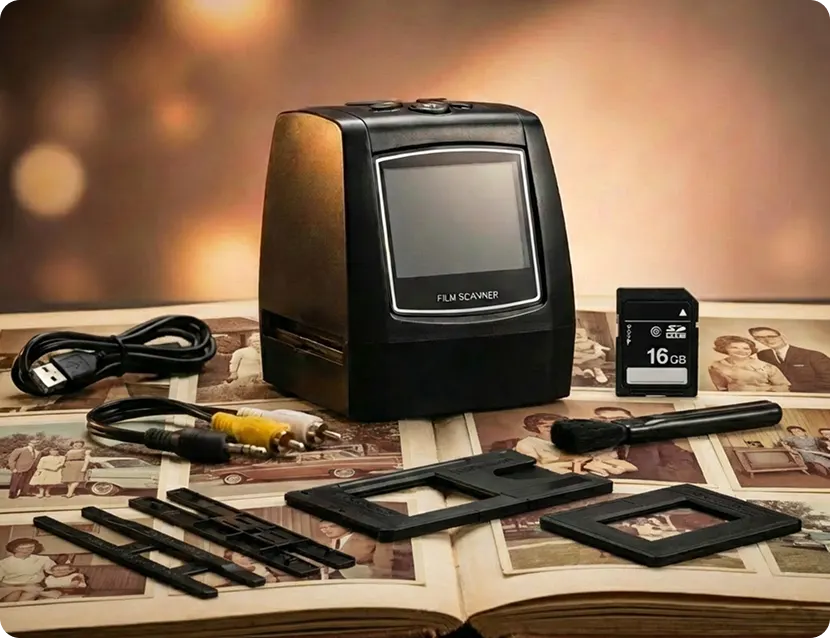
Place your 35mm or 135mm slide or negative into one of the included holders and insert it into the device.

Press scan and watch your memory appear on the built-in screen. Re-scan instantly if needed.

Save photos to internal memory or an optional SD card, then transfer files by USB and share them with family.
Advanced scanning technology built to convert old film slides and negatives into clear, high-quality digital photos in seconds.
Scans 35mm slides, negatives, color and monochrome films quickly and easily.
Bright LCD screen shows scanned photos instantly without needing a computer.
Simple top buttons allow easy scanning, preview playback and photo adjustments.
Save scanned photos directly to an SD card for quick transfer later.
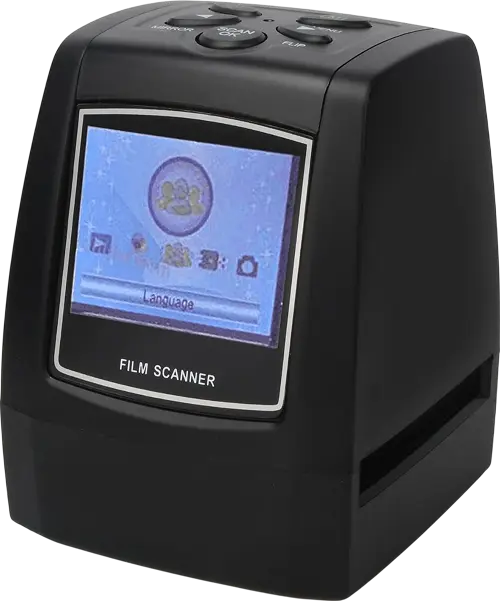
Interface supports multiple languages for easy navigation and global accessibility.
Small lightweight scanner design perfect for convenient use anywhere at home.
Auto exposure, white balance and sensitivity improve scanned image quality automatically.
High resolution sensor captures clear and detailed film scans.
| Our Device | Mail-In Services | Scanners | |
|---|---|---|---|
| Built-In LCD Screen |

|

|
|
| No Computer Needed |
|
|
|
| See Results Instantly |
|
|
|
| Keep Originals Safe |
|
|
|
| One-Time Cost |
|
|
|
| No Technical Skills Required |
|
|
|
| Works With Old Film |
|
|
|
If you’re not absolutely thrilled with the results, we don’t want your money. No hassles, no questions asked.
We provide fast shipping with tracking numbers on all submitted requests and confirmed orders.
Products are made of high-quality materials for consistent, trouble-free performance over time.
Try your MemoryVault™ Box risk-free at a limited introductory price.
Professional archivists and photo preservation specialists have assessed and recommended The MemoryVault™ Box for home use.
They highlight its ability to digitize film independently without computer requirements, preserve originals safely at home, and deliver professional-quality results—without expensive mail-in services or complicated technical setup.
With years of experience in photo archiving, they praise The MemoryVault™ Box for its unique combination of instant preview technology and automatic color correction for aged film.
This allows families to preserve irreplaceable memories at their own pace, in the comfort of their own home, without risk or complexity.


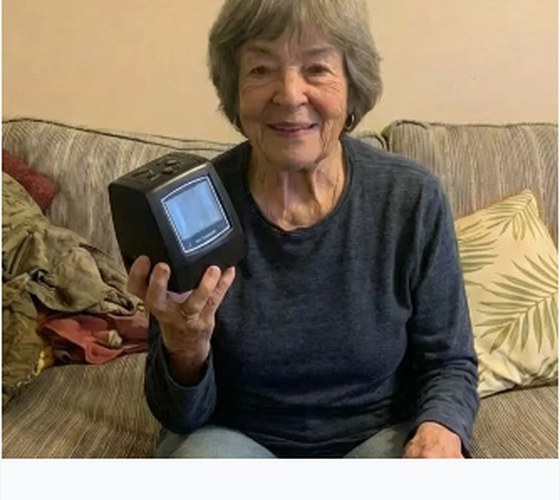
“I scanned over 300 slides in a single day. The photos I thought were too faded came back beautifully. My grandkids can finally see what their great-grandparents looked like.”
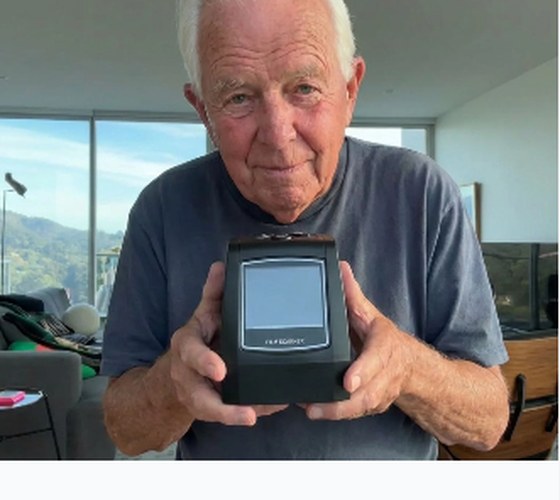
“I almost paid thousands to a mail-in service. This paid for itself after 50 negatives and I didn’t have to risk my originals in the mail. Exactly as simple as advertised.”
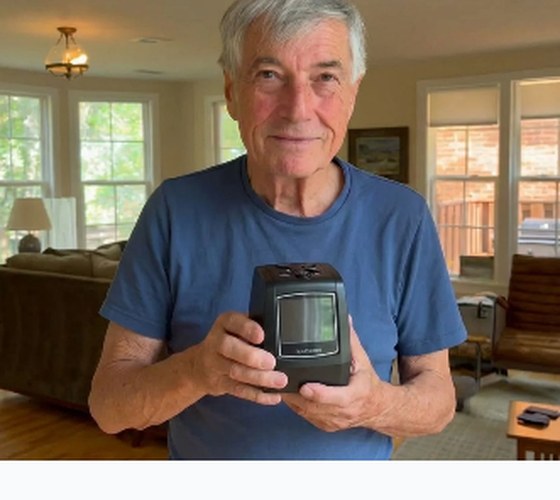
“No computer needed was the key for me. I'm not good with technology but this I could figure out in 5 minutes. I finally preserved the photos of my kids.”
Find clear answers to common questions about using MemoryVault Box, scanning film slides, storage options, compatibility, and photo transfer.
Place the negative film into the included holder, insert it into the scanner, preview the image on the built-in screen, then press the scan button to save it.
No. The scanner works independently with its built-in screen and controls. A computer is only needed later if you want to transfer or back up your saved files.
Each scan can be completed in seconds once the film is inserted and positioned correctly.
Yes. After scanning, transfer the files and share them by email, messaging apps, cloud storage, USB transfer, or photo books.
The backlight and colour adjustment features are intended to help revive older images, though final quality depends on the condition of the original film.
The main accessories are included in the packs. Some bundles include additional SD card storage and bonus materials.
The device can save scans to internal memory or to an SD card, depending on the selected pack and available storage.
Yes. It is designed for common 35mm / 135mm slides, negatives, colour film, black and white film, positives and negatives using the included holders.
Scans are saved as common digital photo files suitable for family archiving, sharing, and standard photo printing.
You can transfer saved files using the included USB cable or by removing the SD card and reading it on another device.
Yes. Since the scanner saves standard digital files, you can transfer and view them on both Windows PC and Mac.
The scanner is compact and lightweight, designed for convenient use on a table, desk, or kitchen counter.
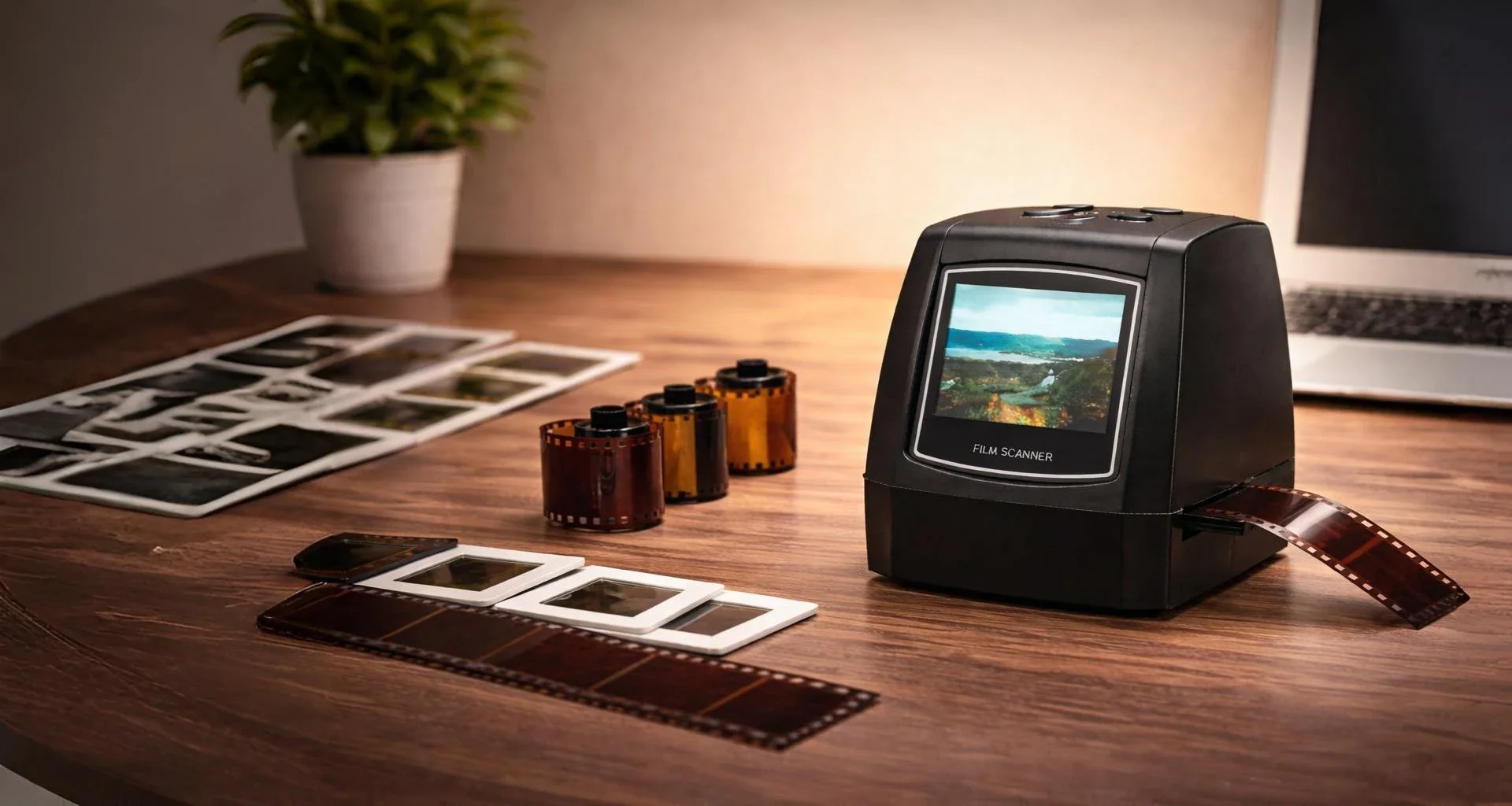
Turn your old film slides into digital photos and protect your family history for future generations.
Get Your MemoryVault BoxPlease wait while we check your selected options and prepare your confirmation.